


The CEO
Your one point of contact. Tell it what you need, and it hands the work to the right people, then reports back to you in its own words.
AI orchestration for your business. Create as many AI employees, managers and departments as you need. Talk to your AI CEO from your phone, and it coordinates the work while you approve what matters.
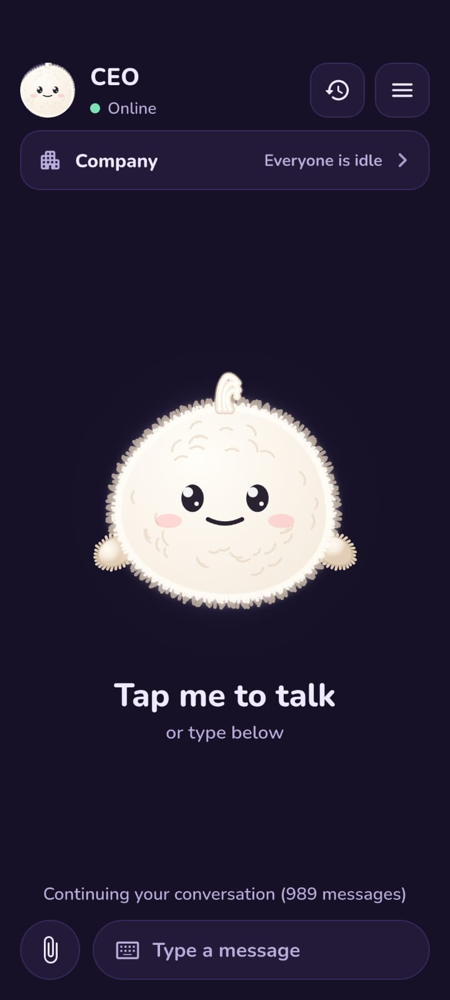
A chatbot answers one question at a time, and you still do the work of managing it. AI Employee gives you a small company instead: one AI CEO you talk to, and a team that takes the work from there.
Your one point of contact. Tell it what you need, and it hands the work to the right people, then reports back to you in its own words.
Add as many as you need, for any department you create. They take work from the CEO and pass it to their employees.
Add any number, with any role you define. Each one picks up its tasks and reports what it did.
Speak or type what you need, just as you would to a person in your company.
The CEO hands tasks to managers and employees. Tasks that depend on others wait their turn.
When a decision is needed, it comes to you. Approve it, and hear what the team finished.
Here is how one request could travel through one sample team. Your own team can look completely different.
“We need a booking page for our cake shop.”
Understands the request and gives it to the Engineering Manager.
Plans the work and puts tasks on the board. The review task waits until the build is finished.
Builds the page. If it needs a decision, such as whether to take payment online, it asks.
The question reaches you under “Needs you”. You answer, and the work carries on.
Checks the finished work.
Tells you what was made. You approve it, or send it back with your notes.
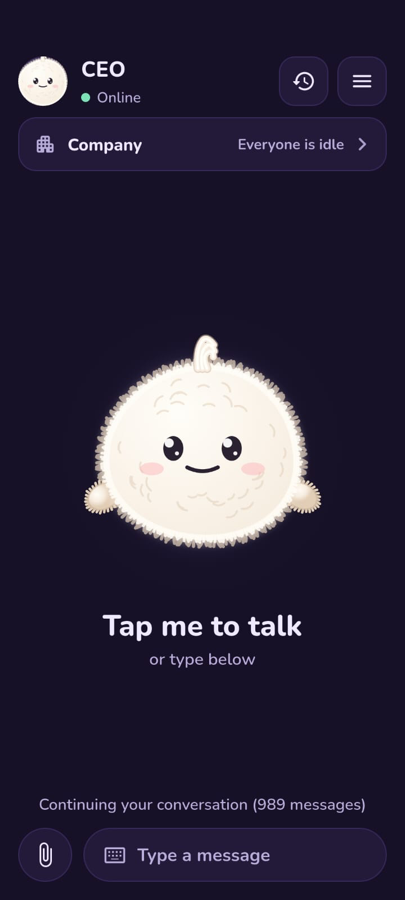
One app to talk to your CEO and see your team at work.
Giving instructions should be as easy as speaking to someone in your office.
Say its wake word and start talking, even when the app is closed. Or tap the screen, or type.
It repeats your request back and keeps you updated during long tasks, so you are not left staring at a spinner.
It works out the language of each sentence, and can answer in Hindi and other languages when a voice is available.
Team members sound different from each other, so you can tell who is reporting.
Attach what the team needs to the conversation from your phone.
Search your past conversations, and continue an older one where you left off.
Handing work over does not mean losing sight of it.
Questions and work waiting for your review are kept together, so nothing is missed.
Read the last note, see what changed, then approve the work or return it with your comments.
Approval requests and team news can reach you as phone notifications.
See what has happened on any task, and open its full log when you want the detail.
Stop a task from your phone, along with anything waiting on it.
Get reminders and email alerts from your AI server in the app.
Your AI team and your data stay private, totally on your own server, not in a shared chat window.
Team members, tasks and files live on the server for your company.
A file area on your server that your AI team can read and work with.
Keep sensitive files in a passphrase-protected vault that your AI cannot read.
Require a fingerprint, face or phone PIN before the app opens. Work continues running underneath.
The team in our screenshots is only an example. Your company is built from the AI employees you create, so it can match how your business really runs.
Start with one or two, and add more whenever your work grows.
Add managers to lead your teams and coordinate their work.
Sales, support, accounts, operations, or anything else your business has. You name them.
Decide what each bot is called and what it does. The app shows the team you create.
A CEO at the top, managers in the middle, and employees who do the work.
Create any department and role your business needs, not a fixed list.
Every task is on a shared board, so you always know what's happening.
Anything waiting for your decision is kept together under “Needs you”.
The team tells you what was made, sent or found.
Your data stays private, totally on your own server.
No. A chatbot is one assistant in one conversation. AI Employee is a team with a CEO, managers and employees, a shared task board, and approvals on your phone.
They work through their tasks on their own, and come back to you when they need a decision or when work needs your review.
No. The team depends on the AI employees you create. You can add any number of employees and managers, with your own departments and roles.
Your team runs on a private server. You can also keep sensitive files in an encrypted vault that the AI cannot read.
Yes. You can cancel a task from the app, along with anything waiting on it.
It can reply in Hindi and other languages when a voice for that language is available.
Book a free first consultation. We'll understand your business, suggest which roles to start with and share the cost for your setup.
Tell us how your business runs, and we'll show you what an AI team could take on. The first consultation is free.
Create an AI social media marketing manager
Give it your Facebook, Instagram, LinkedIn and other social media pages, and let it handle them independently, reporting back to your AI CEO.
This is only one idea. You can create any number of employees and managers, for any job your business needs.